You've got your song. It's perfect. Now what? Here's exactly how to play it at a party, a wedding, a funeral, in the car, on a smart speaker — everywhere that matters.
One of the most common questions we get at Song For You isn't about the song itself — it's about what happens next. You've received your personalised song, you've listened to it three times in a row with tears rolling down your face, and now you're thinking: how do I actually play this at Dad's birthday party on Saturday?
It's a surprisingly practical problem. You've got a beautifully crafted MP3 file sitting in your email. But the moment isn't going to happen with everyone huddled around your phone speaker in the kitchen. You want it to sound good. You want it to land.
We wrote this guide because nobody else in the personalised song industry seems to have thought about what happens after you press download. We think the moment someone hears their song for the first time is the most important part of the whole experience — and it deserves a bit of planning.
So here's how to play your Song For You track in every situation you're likely to find yourself in.
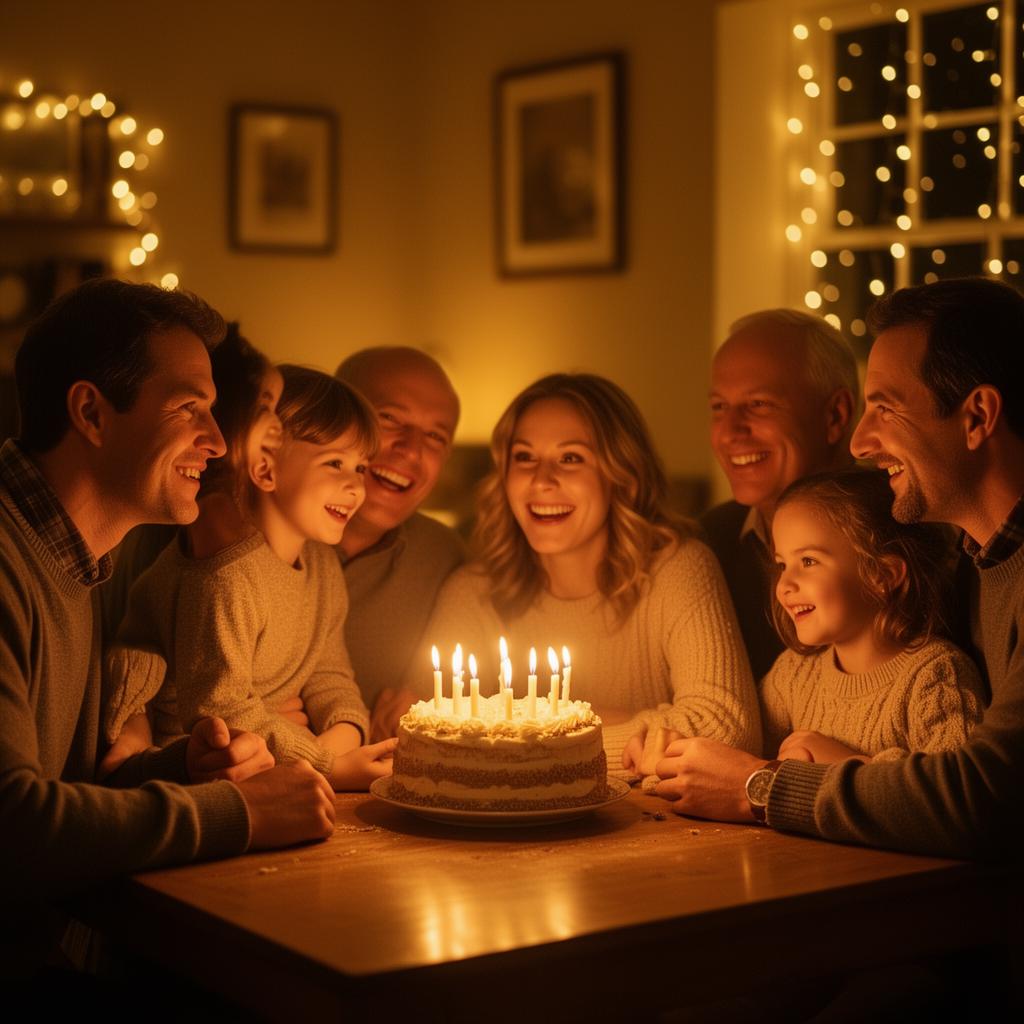
Playing Your Song at a Birthday Party
Birthday reveals are our favourite. There's usually cake, there are usually people, and there's usually a moment where the room goes quiet and someone says "we got you something a bit different this year."
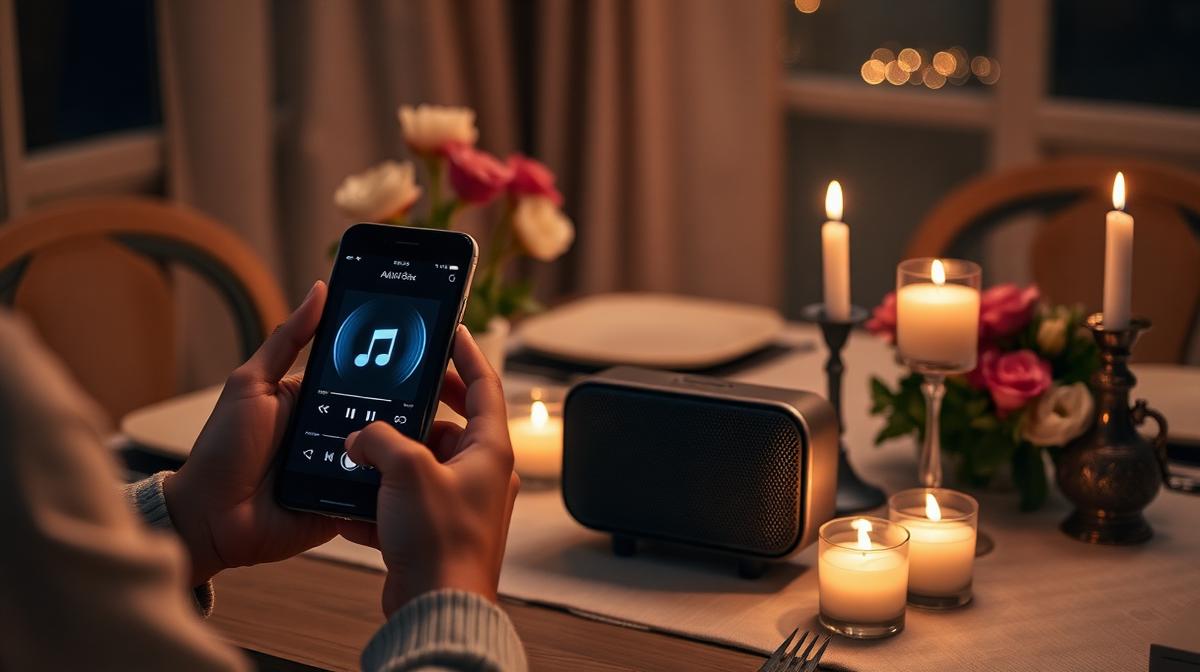
The simplest option: a Bluetooth speaker. If you're at home or in a private room, connect your phone to any Bluetooth speaker. Most households have one — even a small one like an Amazon Echo or a JBL clip will do. Pair your phone, open your song (either the MP3 file or your Song For You reveal page), and press play when the moment feels right.
Tips for the big reveal:
- Queue up the song before the moment arrives. Have it loaded and ready — you don't want to be fumbling with files while everyone watches.
- If you're using the reveal page, make sure you've got decent WiFi or mobile signal. If you're worried about signal, download the MP3 to your phone beforehand as a backup.
- Turn the volume up slightly louder than you think you need. People will be reacting, laughing, gasping — you want the lyrics to cut through.
- If you ordered a QR gift card with your song, hand it over first. Let them scan it themselves. Watching someone's face as they realise what they're hearing is the whole point.
If it's a bigger party with a hired speaker system or DJ:
- Send the DJ your MP3 file in advance (email or a USB stick on the day). DJs work with MP3s constantly — this is bread and butter for them.
- Tell them roughly when you'd like it played: after the cake, during the speeches, as a surprise when the room is settled.
- Ask the DJ to introduce it simply: "This next one was written especially for [name]." That's all you need.
Playing Your Song at a Wedding
Weddings are where personalised songs really come into their own. Whether it's a first dance, a father-daughter dance, a surprise during the speeches, or a processional, here's how to make it work.
For a first dance or father-daughter dance:
- Give your MP3 to the venue's sound technician or DJ at least a week before the wedding. Don't leave it until the day.
- Send it as an email attachment and bring a USB stick as backup. Belt and braces.
- Do a sound check if you can. Ask the venue to play the first 10 seconds through their system at your rehearsal or during setup on the morning of the wedding. You want to know it works before 120 guests are watching.
- If you've ordered the instrumental version (available with our Signature package), consider using the instrumental for the actual dance and playing the vocal version during the speeches or reception. The instrumental works beautifully as background music — it's the same melody, just without competing with conversation.
For a surprise during the speeches:
- Coordinate with whoever is running the sound. Give them the file and agree a cue — maybe the best man says "and now for something a bit special" and that's when they press play.
- Make sure the speaker system is good enough for the lyrics to be clearly heard. If the venue only has a basic PA, ask them to turn down background noise and turn up the mid-range frequencies. You want every word to land.
For the ceremony itself (processional, recessional, or readings):
- Churches and registrar offices vary hugely in their audio setups. Ask the officiant or venue coordinator what their sound system is like. Some have built-in speakers; others will need you to bring a portable speaker.
- If you're bringing your own speaker, test it in the actual room before the ceremony. Acoustics in churches can be tricky — a speaker that sounds fine in your living room might echo or sound tinny in a large stone building.
Playing Your Song at a Funeral or Memorial Service
We create a lot of memorial songs at Song For You, and we know this is the one occasion where getting the logistics right really matters. You only get one chance, and the last thing you need is technical stress on an already difficult day.
Here's what to do:
- Contact the funeral director as early as possible — ideally at least 48 hours before the service. Let them know you have a personalised song you'd like played, and ask them how they'd like to receive the file.
- Most funeral directors and crematoria have professional sound systems and will ask for the file by email (MP3 format). They deal with music requests every single day — this is routine for them.
- If you'd prefer to play the song at a wake or memorial gathering rather than during the formal service, a Bluetooth speaker works perfectly. Choose a quiet moment, perhaps after people have settled with a drink, and simply say a few words before pressing play.
- If your song is for a graveside visit or a private family moment at home, your phone speaker is honestly fine. It doesn't need to fill a room. It just needs to be heard by the people who matter.
A note on memorial songs specifically: We find that families often want to listen to a memorial song more than once — at the service, at the wake, on the anniversary, on quiet evenings at home. This is one of the reasons we created the reveal page. It gives the song a permanent home online that anyone in the family can revisit whenever they need to. You don't need to dig through old emails or find a file — just open the page and press play.
Playing Your Song on Smart Speakers (Alexa, Google Home, Sonos)
This is the one people always ask about, and the answer is simpler than you'd think.
The quick method (works with all smart speakers):
Most smart speakers — Amazon Echo, Google Nest, Sonos, Apple HomePod — can work as Bluetooth speakers. You pair your phone to the speaker, then play the song from your phone, and the audio comes through the smart speaker.
- Amazon Echo / Alexa: Say "Alexa, pair" or "Alexa, turn on Bluetooth." Then go to Bluetooth settings on your phone and select your Echo from the list. Once paired, open your Song For You reveal page or MP3 file and press play.
- Google Nest / Google Home: Open the Google Home app, select your speaker, tap the settings cog, then "Audio" and "Paired Bluetooth devices." Pair your phone, then play.
- Apple HomePod: AirPlay your song directly from your iPhone. Open the MP3 or reveal page, tap the AirPlay icon, and select your HomePod.
- Sonos: Open the Sonos app, go to Settings, then System, select your speaker, and choose "Add Bluetooth." Pair your phone and play.
The even easier method — just use your phone:
If Bluetooth pairing feels like too much faff, simply open your reveal page on your phone and play through the smart speaker by casting. Most modern speakers support some form of casting from a phone. Or just hold your phone near the speaker. We're not being flippant — for a quiet moment at home, phone audio is perfectly fine.
Playing Your Song in the Car
This might sound like an odd one, but we hear from customers all the time who say the car was where they first played their song for someone. There's something about being sat side by side, no distractions, just listening.
- Bluetooth: Most cars made after 2015 have Bluetooth audio. Connect your phone and play the song from your downloads or the reveal page. It'll come through your car speakers.
- USB: Some cars have a USB port that will play MP3 files directly from a USB stick. Copy your MP3 onto a USB drive, plug it in, and navigate to it on your car's audio system.
- AUX cable: If your car has a 3.5mm aux input, plug in a standard aux cable from your phone's headphone socket (or use a Lightning/USB-C to aux adapter if your phone doesn't have a headphone port). Simple and reliable.
- Apple CarPlay / Android Auto: If your car supports CarPlay or Android Auto, you can play the file through your phone's music app once the song is saved to your library.
Playing Your Song Through a TV
Want to play the song at a family gathering where everyone's in the living room? Playing through your TV speakers (or the soundbar connected to it) gives you decent volume and saves you needing a separate speaker.
- Chromecast / Fire Stick / Apple TV: Cast from your phone to the TV. Open the reveal page in Chrome on your phone, tap the cast icon, and select your TV. The page (with artwork and lyrics) will show on screen while the song plays through the TV's audio.
- Smart TV browser: Most smart TVs have a web browser app. Navigate to your Song For You reveal page URL and press play. Not the most elegant solution, but it works.
- HDMI from a laptop: If you want the full experience — artwork on screen, lyrics visible, song playing through decent speakers — connect a laptop to your TV via HDMI, open the reveal page in full screen, and press play. This works beautifully for a group reveal at Christmas or an anniversary dinner.
Saving Your Song to Your Phone's Music Library
If you want your song to sit alongside your regular music — in Apple Music, Spotify (local files), or your phone's default music player — here's how.
iPhone:
- Download the MP3 from your email or the reveal page.
- Open the Files app and find the downloaded MP3.
- Tap the share button and select "Save to Files" or open it in the Music app.
- Alternatively, add it via iTunes on a computer: drag the MP3 into your iTunes library, connect your phone, and sync.
Android:
- Download the MP3 — it will usually save to your Downloads folder.
- Open your default music player (Samsung Music, Google Play Music, etc.) — it should automatically detect the new file.
- If it doesn't appear, open your file manager, find the MP3, and move it to your Music folder.
Adding to Spotify (local files):
- On your computer, open Spotify and go to Settings.
- Scroll to "Local Files" and toggle on "Show Local Files."
- Add the folder where your MP3 is saved.
- The song will appear under "Local Files" in your Spotify library.
- Add it to a playlist, and it will sync to your phone if you're on the same WiFi network.
Planning the Perfect Reveal Moment
However you choose to play your song, the reveal itself is what people remember. Here are a few tips from customers who've done it brilliantly:
Don't explain too much beforehand. "I got you something" is enough. The less they expect, the bigger the impact. If you say "I had a song written about our life together using all our memories and inside jokes," they'll spend the whole song trying to analyse it instead of feeling it.
Choose a quiet moment. Not when people are arriving, not when the food is being served, not when kids are running around. Wait for a settled, calm moment. After the main course. Once the speeches are done. When you're sat together in the evening.
Record their reaction. We say this a lot, but please — set your phone up to record before you press play. Prop it against something with the camera facing them. These reaction videos are priceless. Months later, you'll watch it back and cry all over again.
If you want, you can share the reaction video with us. We'd love to see it, and with your permission, we can add it to the reveal page so the recipient can watch their own reaction back. We'll also send you a discount code for your next song as a thank you.
Let the song breathe. After it finishes, don't rush in with "so what did you think?" Let there be a moment of silence. Let them process. Let them come to you.
Quick Reference: What You'll Need
| Situation | What to Use | What to Have Ready |
|---|---|---|
| Home birthday party | Bluetooth speaker | Phone paired, song loaded |
| Big party with DJ | DJ's sound system | MP3 on USB stick or emailed in advance |
| Wedding first dance | Venue PA system | MP3 sent to venue/DJ a week before |
| Wedding speeches | Venue PA system | MP3 with agreed cue for sound tech |
| Funeral service | Crematorium/church PA | MP3 emailed to funeral director 48hrs+ before |
| Wake or memorial at home | Bluetooth speaker or phone | Song loaded, quiet moment planned |
| Smart speaker at home | Alexa/Google/Sonos via Bluetooth | Phone paired to speaker |
| Car journey | Car Bluetooth/aux/USB | Phone connected or MP3 on USB |
| Family TV gathering | Chromecast/HDMI/Smart TV | Reveal page URL or laptop ready |
We're Here if You Need Help
If you're not sure how to play your song in a specific situation, just ask us. Send us a message at hello@songforyou.co.uk and tell us what the occasion is and what equipment you've got — we'll walk you through it.
That's what we're here for. We don't just make the song. We make sure the moment lands.
Ready to create a personalised song for someone special? Start your song here.
From the Song For You team
SMEATON & CO LTD is a UK-registered company (07409342) based in Dalton-In-Furness. As an ICO Registered Data Controller (ZC040860), your memories are always in safe, professional hands.